- Step 1
Open Security and turn on the extra lock
Open Security. If you only used Google, set a website password so you can use Forgot password later. When 2FA is offered, choose email codes or an authenticator app. Revealing the trading password on Credentials uses this same extra step.
Keep recovery codes private. If someone in chat asks for them, it is not us — open Tickets on this site only.
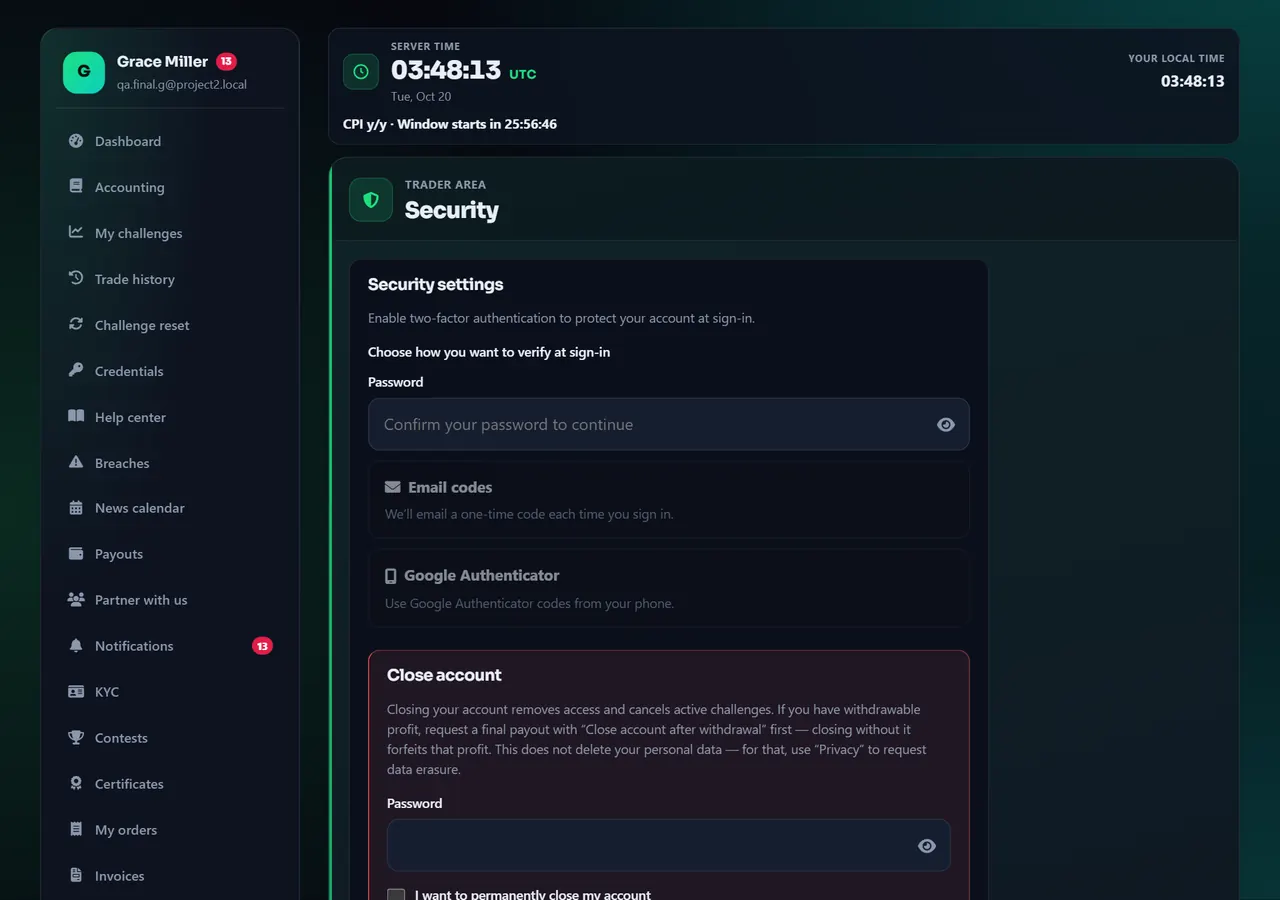
- 12FA
Annotated screen - Step 2
Review sessions; closing the account is permanent
On the same Security page, the sessions list shows devices still signed in. Sign out anything you do not recognize.
Closing the account is irreversible and lives on this page — only use it if you intend to leave. Language and theme are not here; they are under Language and Appearance.
Annotated screen
Help center
Password, 2FA, and sessions (keep the account yours)
Set a website password if you used Google, turn on two-factor authentication, and sign out unknown devices. Support will never ask for recovery codes in a ticket.


