- Step 1
Profile: legal name, photo, locked fields
Open Profile. Put the name you will use on KYC and that should appear on Certificates. A display nickname that does not match the ID slows review. Once your identity is under review or verified, name, country and date of birth are locked; to correct them, open a support ticket. You can also add a profile photo there: it replaces the letter shown next to your name in the account menu, and you can change or remove it at any time.
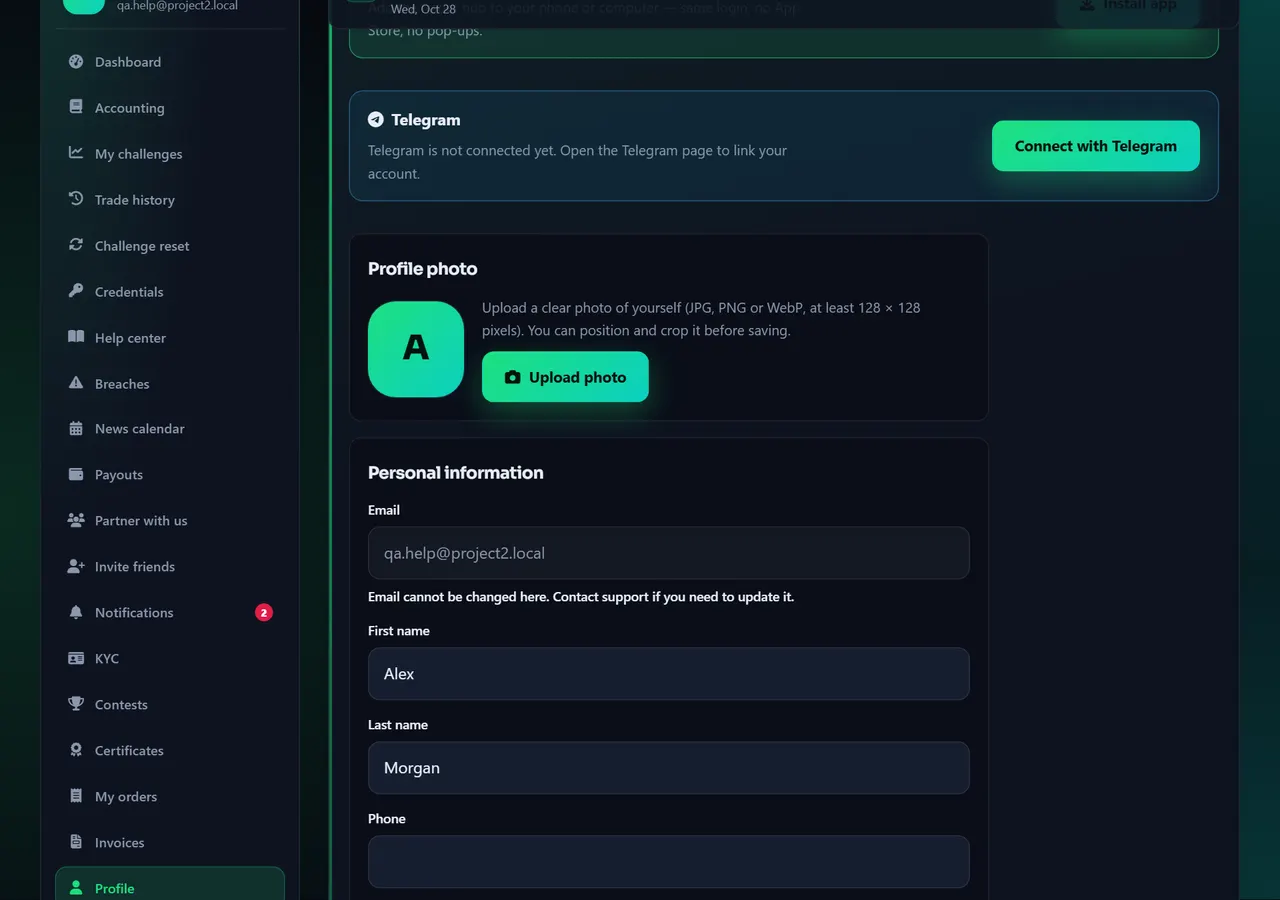
- 1Profile
Annotated screen - Step 2
Language and Appearance
Open Language to switch this website (English, فارسی, العربية, …). It does not translate the MetaTrader File menu — those stay in English.
Open Appearance for light/dark or brand colors. Visual only.
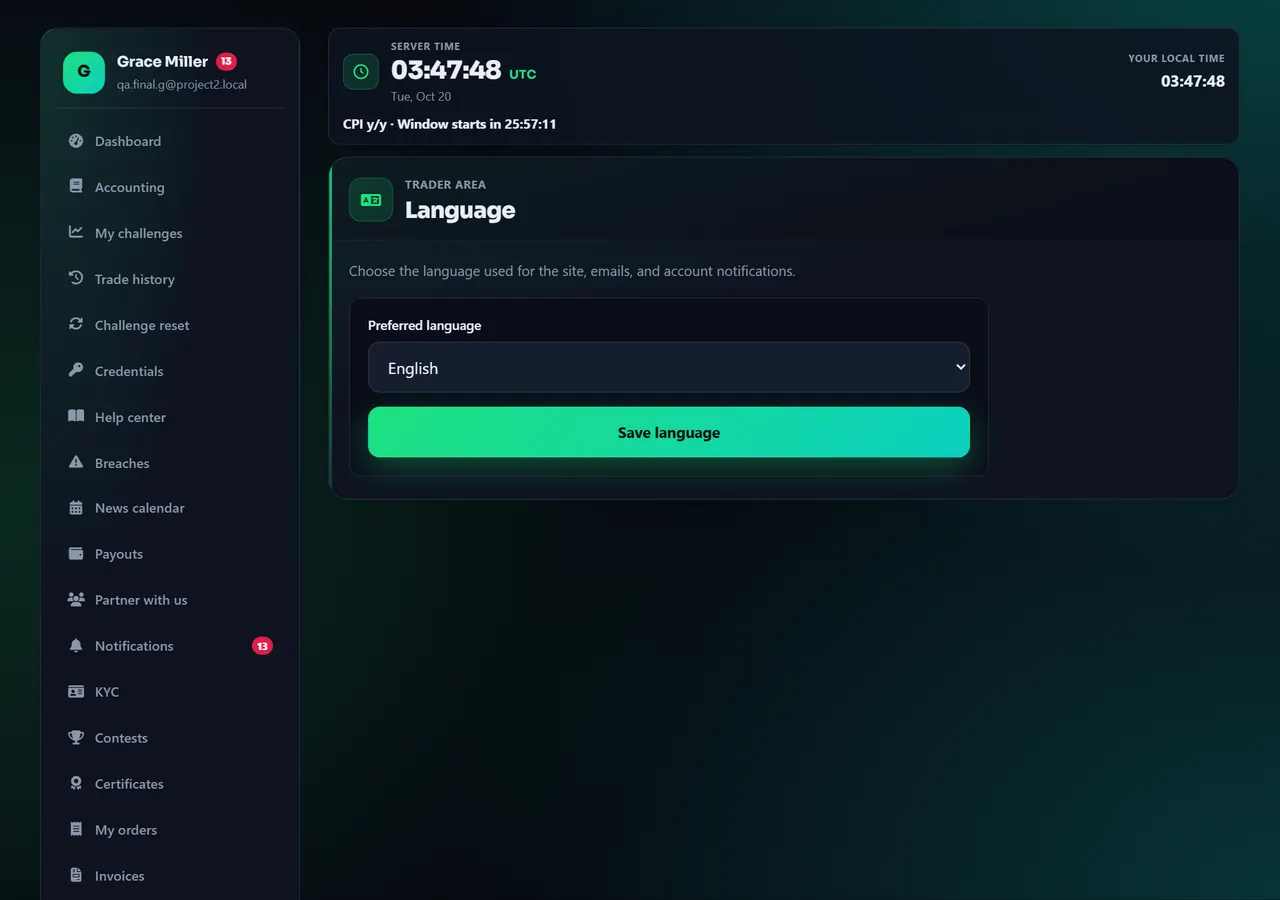
- 1Language
Annotated screen - Step 3
Notifications
Notifications lists every alert about your accounts (credentials ready, flags, payout status), grouped by day, with filter buttons by type and an Unread switch, and lets you turn push notifications on or off for this device. Account and rule emails are always sent and cannot be switched off. Marketing emails are opt-in under Profile, and you can link or unlink Telegram alerts on Telegram.
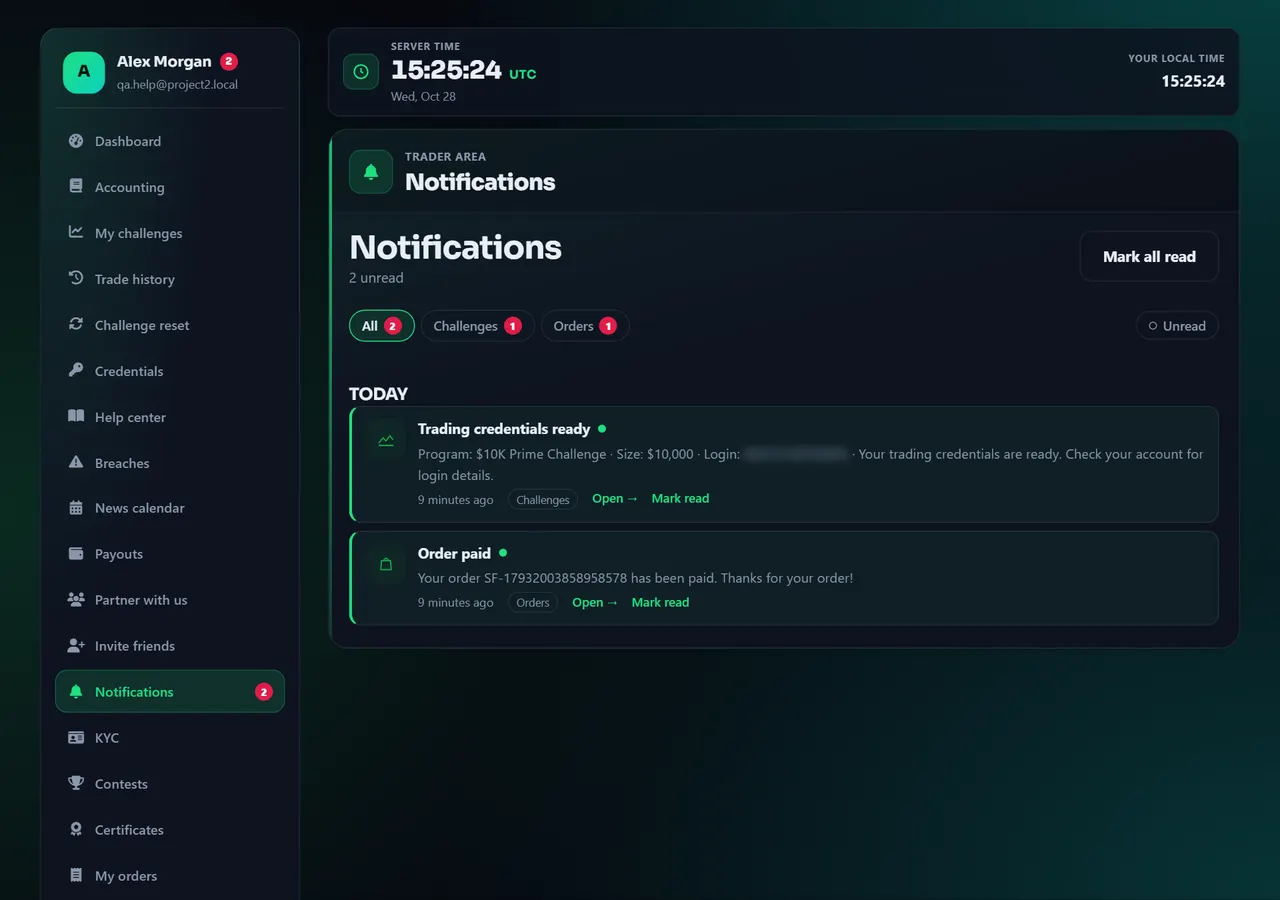
Annotated screen - Step 4
My data: export or erase your data
Open My data for data export or deletion requests. There is also a public form at Privacy request. Passwords and 2FA stay on Security.
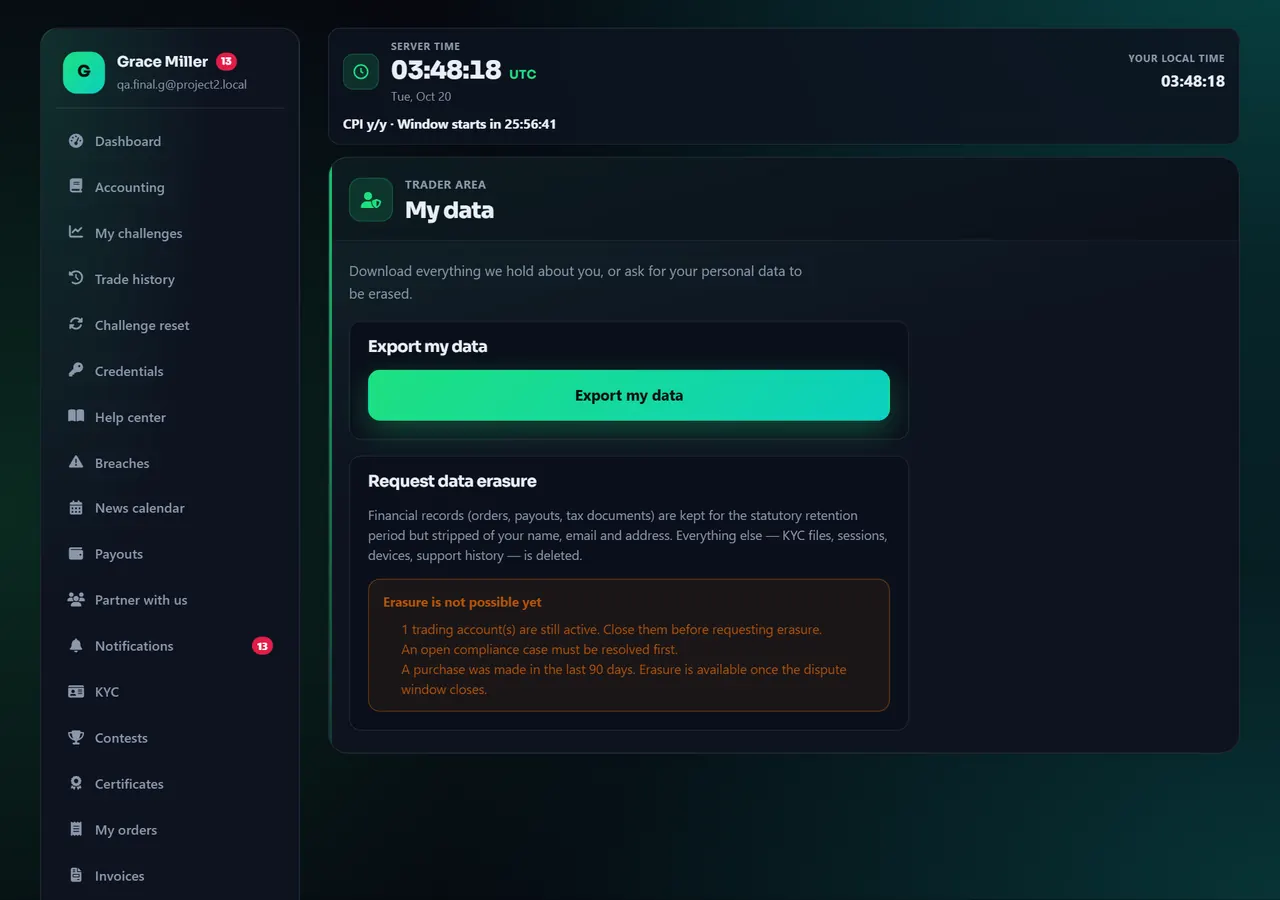
Annotated screen
Help center
Profile, language, appearance, notifications, my data
These pages change how the website looks and how we email you. They do not change MetaTrader, challenge rules, or payout eligibility. Match your legal name to KYC.


