- Step 1
Open KYC and match the ID exactly
Sign in and open KYC. Type your legal name and country exactly as they appear on the passport or national ID. A nickname or a different spelling from Profile can delay review.
Upload a clear photo of the document and a selfie as the form asks. Light on your face, no crop that cuts numbers, no screenshot of a screenshot. Blurry files get delayed or rejected.
You do not need KYC to buy a challenge on the Shop or to start evaluation trading. You need it before funded credentials and Payouts.
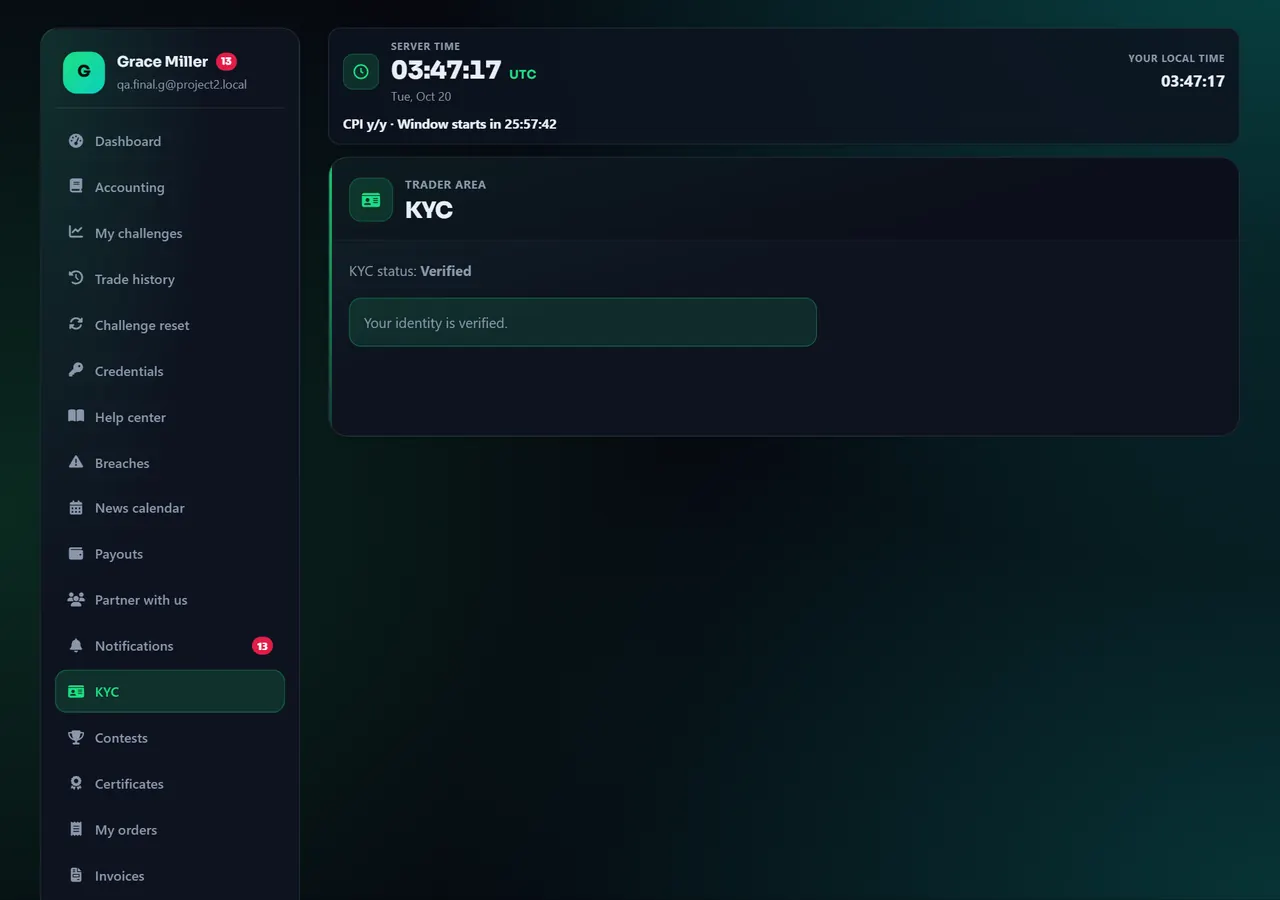
- 1Document
- 2Selfie
Annotated screen - Step 2
Wait for pending → approved or rejected
After submit, status becomes pending. You cannot skip this to get funded credentials. Watch email. Approved unlocks the next funded step. Each trader has one verification attempt: a rejection is final, the email explains why, and you can contact support if you think it is a mistake. Only when the status is resubmission required can you upload again on the same KYC page.
Telegram Mini App may send you back to the full website in a normal browser to finish uploads. That is expected.
A rejected KYC never closes your challenges or your account: keep trading as usual. Only the funded account (including Instant) waits until your KYC is approved — see Trading Rules.
Annotated screen
Help center
KYC: prove who you are (plain steps)
KYC means we check your identity documents. You do it before a funded account is issued — not before you buy or start the evaluation. A rejected KYC does not close your challenges or your account — only a funded account (including Instant) waits until KYC is approved.


