- Step 1
Connect Telegram from the panel
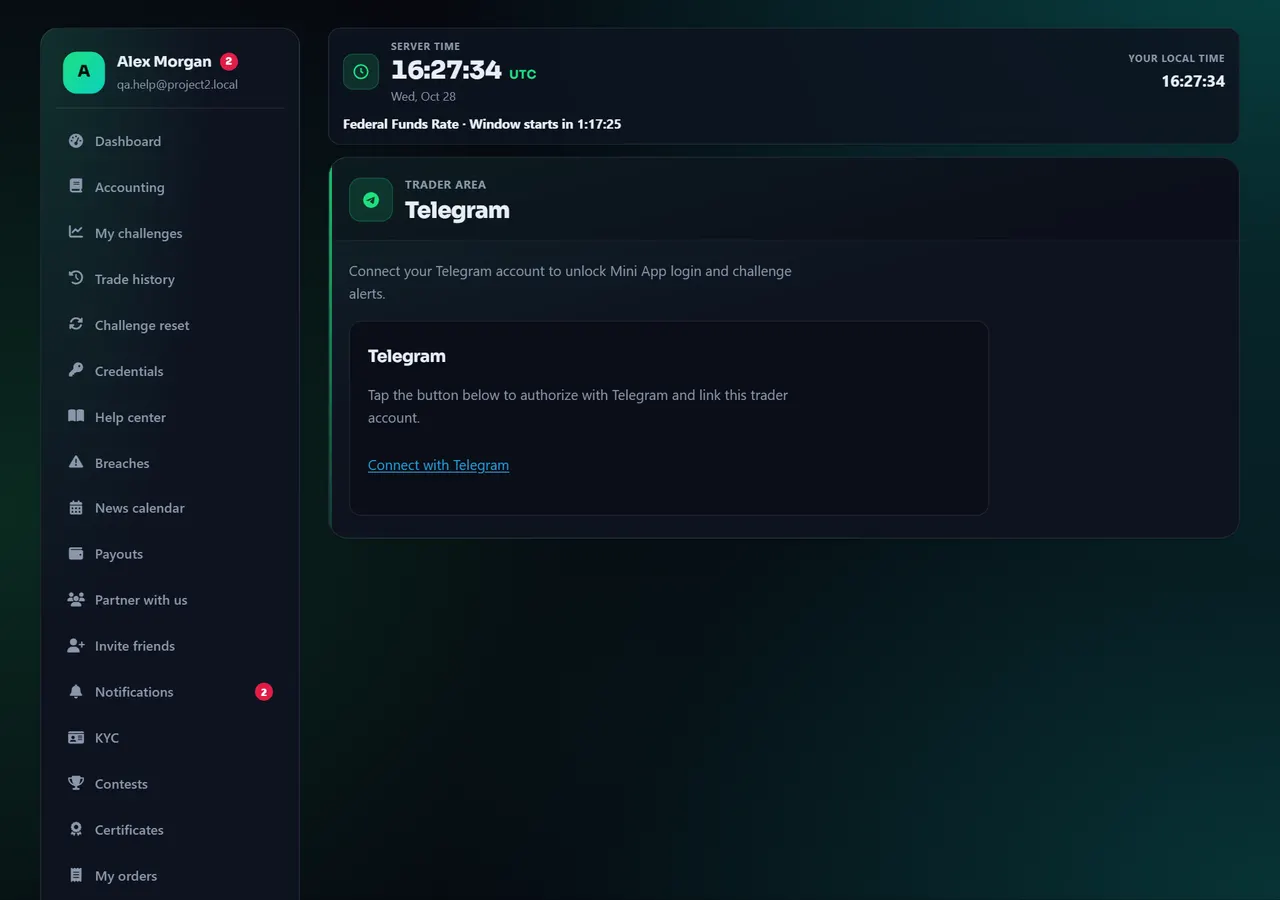
- 1Connect
Annotated screen - Step 2
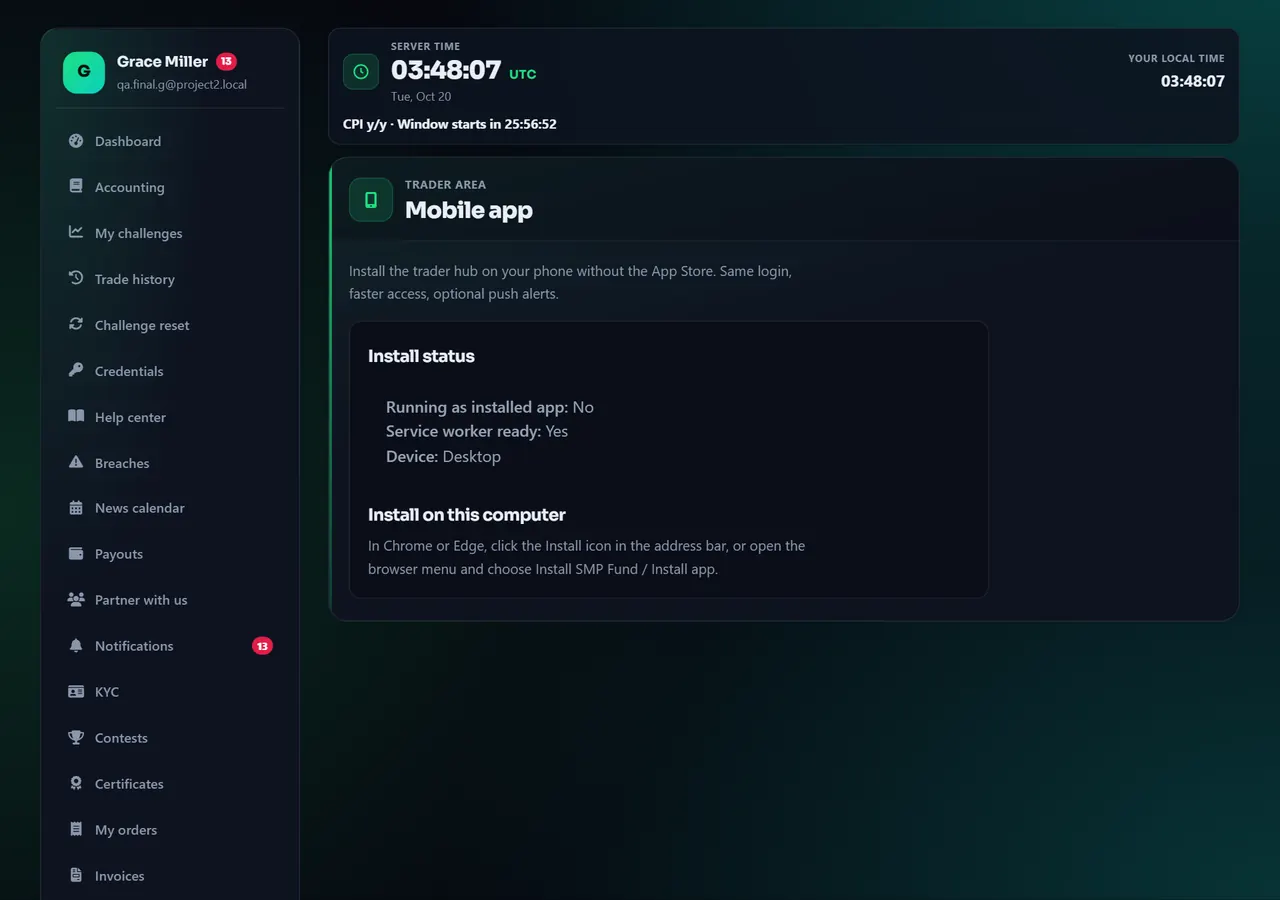
Install the site as an app
Open Install app. Android or desktop: use the install prompt. iPhone: Share → Add to Home Screen. Document uploads for KYC may still ask you to finish in a full browser. Status of the live site is also on Status.
Annotated screen
Help center
Link Telegram and install the phone app (PWA)
Telegram linking is for alerts and Mini App on this profile. The installable app is the website saved to your home screen. KYC uploads may still need a normal browser.


