- Step 1
Read what the free demo is
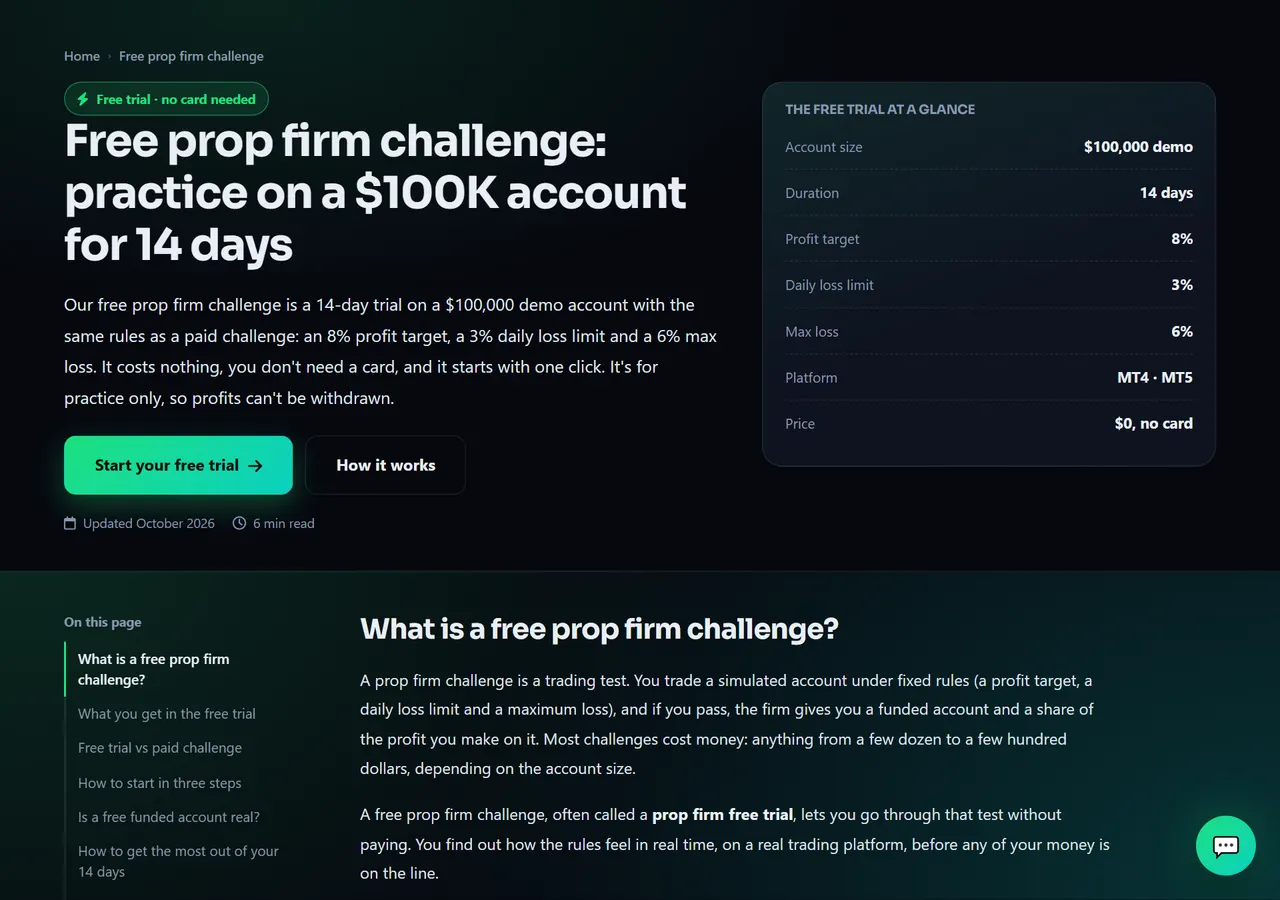
Open the Free demo page (also the Free Demo Account button on the home page). It shows the account size, how many days the demo lasts, the profit target, the daily and maximum loss limits and the platforms, and compares the free demo with a paid challenge.
The demo is a real MetaTrader demo account checked by the same rule engine as a paid challenge, so breaking a loss limit ends it just like a real challenge. Reaching the target does not give you a funded account — for that, buy a challenge in the Shop. The free demo is not offered in every country.
- 1Start your free trial
Annotated screen - Step 2
Start it from your dashboard
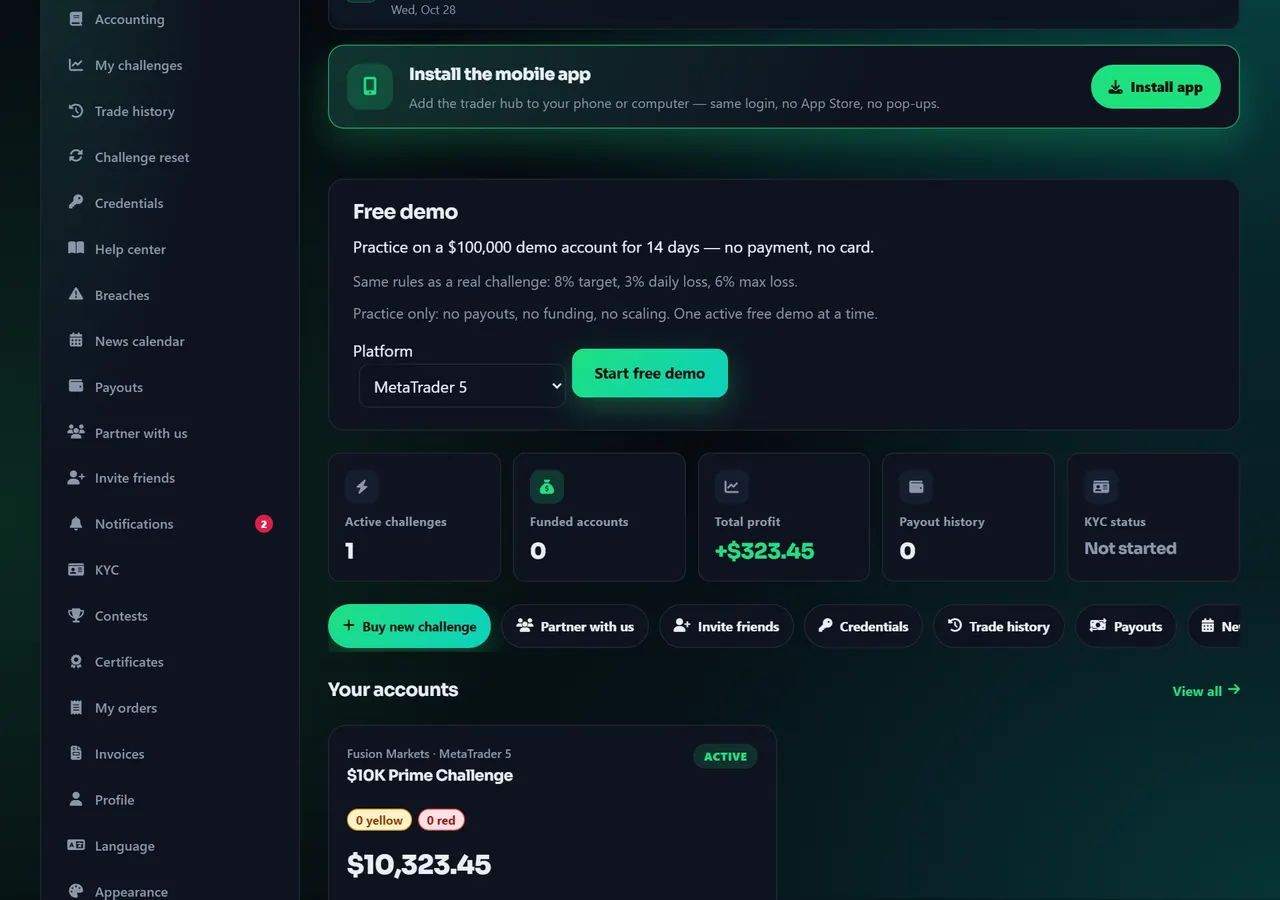
You need a website account with a verified e-mail and your country and date of birth in Profile — see Create a website account. Then, on the Trader dashboard (or on the free demo page while signed in), the Free demo card lets you pick MetaTrader 5 or MetaTrader 4 and press Start free demo. There is no cart and no checkout.
Keep the page open for a few seconds while the account is set up; you are then taken to the new account. If it takes longer, the login also arrives by e-mail and on Credentials. The demo's days start when the login is delivered. Connect it exactly like a paid account: Connect MetaTrader 5.
You can have one open free demo at a time. When it ends — time is up, a limit is broken — you can start a new one 24 hours later; the card shows the exact time.
- 1Start free demo
Annotated screen
Help center
Free demo: practise under real challenge rules
Start a free demo account with one click — no payment and no card. It follows the same rules as a paid challenge, but it is for practice only: no payouts, no funding and no scaling.


